Something
broke?
Snap it.
Fix it.
From the kitchen sink to the garage, DIYFixAI helps you identify what’s wrong, discover the parts and tools you may need, and find repair guidance—all starting with a photo.
Identify the problem.
Illustrative interface preview
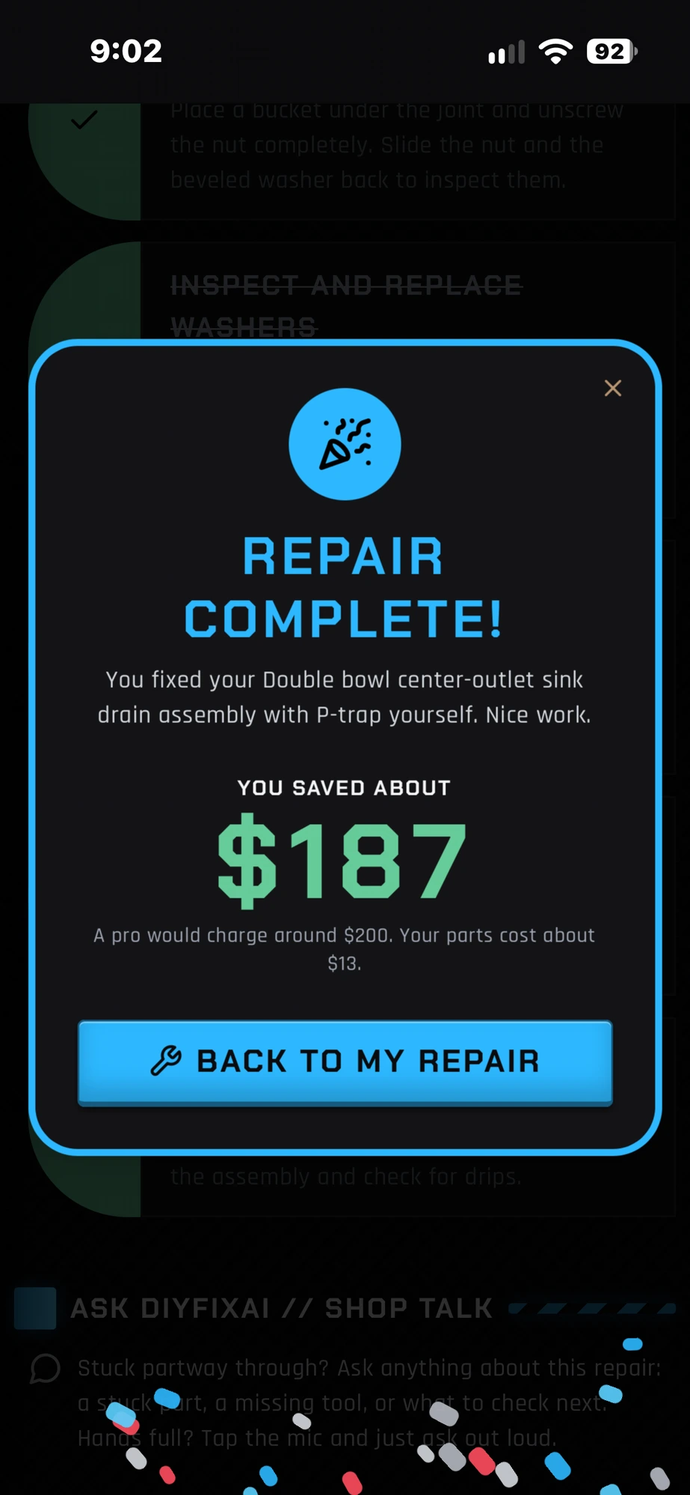
YOUR REPAIR, SIMPLIFIED.
Built around the live app’s Capture → Identify → Repair → Tutorial workflow.
CAPTURE
Take a picture of a broken part, fixture or appliance model label.
IDENTIFY
Get AI-assisted identification of the likely item, model or fault.
REPAIR
Review suggested tools, parts, checks and safe repair guidance where appropriate.
TUTORIAL
Find relevant video tutorials and links to parts retailers.
FREE DIY GUIDES.
Step-by-step guides for the most common home, plumbing, appliance and car jobs, with tools, parts, safety and when to call a pro.
ONE TOOLBOX.
MORE ANSWERS.
Snap the problem.
Illustrative preview
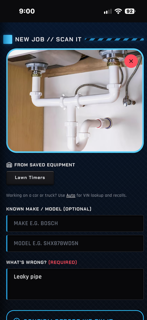
Start with a photo.
Open a new job, snap the leaking pipe, broken part or data plate, and add what is wrong in a few words. Pick a saved piece of equipment to fill in the make and model for you.
SCAN YOUR FIRST REPAIR →Is this it?
Illustrative preview
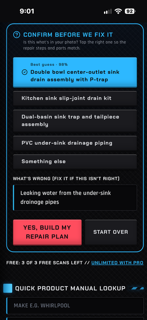
Make sure it is the right part.
DIYFixAI shows its best guess with a confidence score plus close alternatives. Tap the right match, fix the problem description if needed, and only then build your repair plan.
TRY IT NOW →See it. Scan it.
Illustrative preview
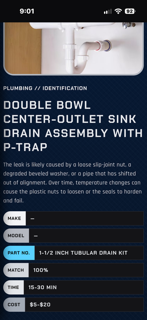
Start with what you can see.
Photograph a leaking fitting, worn component or product label. DIYFixAI helps turn that image into a possible identification and a starting point for diagnosis.
TRY PHOTO IDENTIFICATION →Know what you need.
Illustrative preview
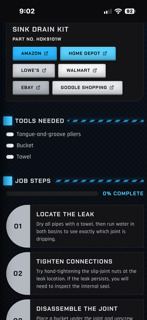
From diagnosis to action.
Explore tools, possible replacement parts, and repair instructions for appropriate DIY tasks. For high-risk work, DIYFixAI should direct you toward qualified professionals instead of dangerous step-by-step procedures.
EXPLORE THE APP →Learn. Compare. Source.
Illustrative preview
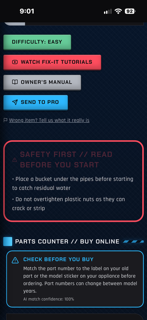
Find the next resource, fast.
Get relevant video and shopping links in one workflow. Confirm a video’s safety and accuracy, and independently verify any part number, compatibility and seller before purchase.
FIND YOUR NEXT FIX →Check it off.
Illustrative preview
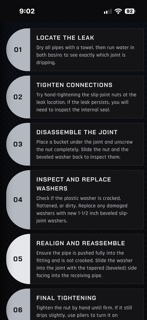
One step at a time.
Follow a clear, numbered checklist from finding the leak to the final tightening. Tap each step as you finish it, track your progress, and celebrate how much you saved when the job is done.
START A REPAIR →